
Explore the Wiki
Choose a guide to learn about Fatality Network’s custom enchantments, gear, creatures, and faction features.
Enchantments
Search all 194 custom enchantments by name, compatible item group, maximum level, and effect.
Browse Enchants Equipment Guide
Armor Sets
Compare every standard and mastery armor set, including bonuses, abilities, weapons, pieces, and enchants.
View Armor Sets Equipment Guide
Armor Crystals
Learn about passive set bonuses, Anti-MKit crystals, restrictions, and extraction.
Explore Crystals Endgame Gear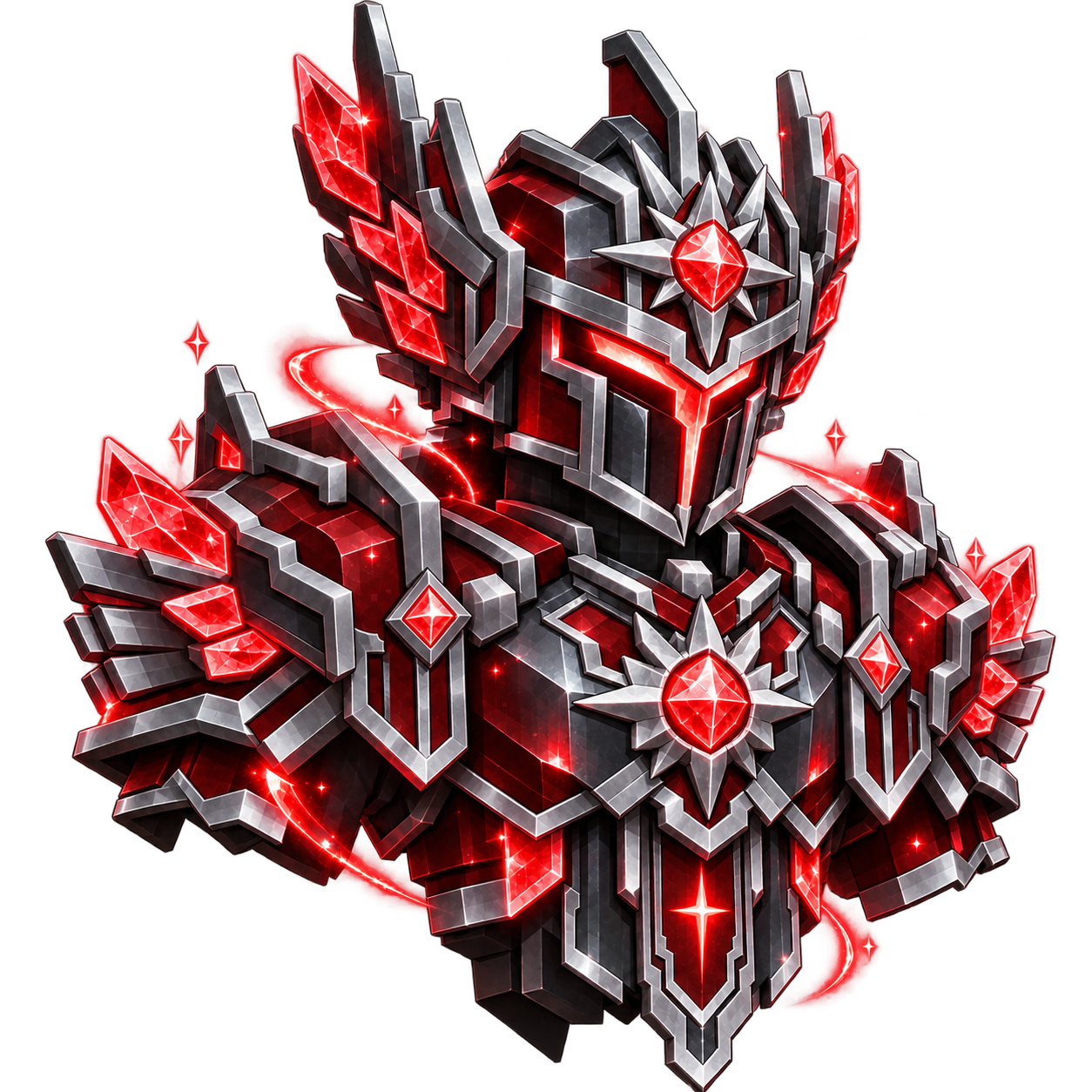
Heroic Armor
See how upgrades improve set pieces and how heroic weapons carry attributes.
Explore Heroic Gear Weapon Runes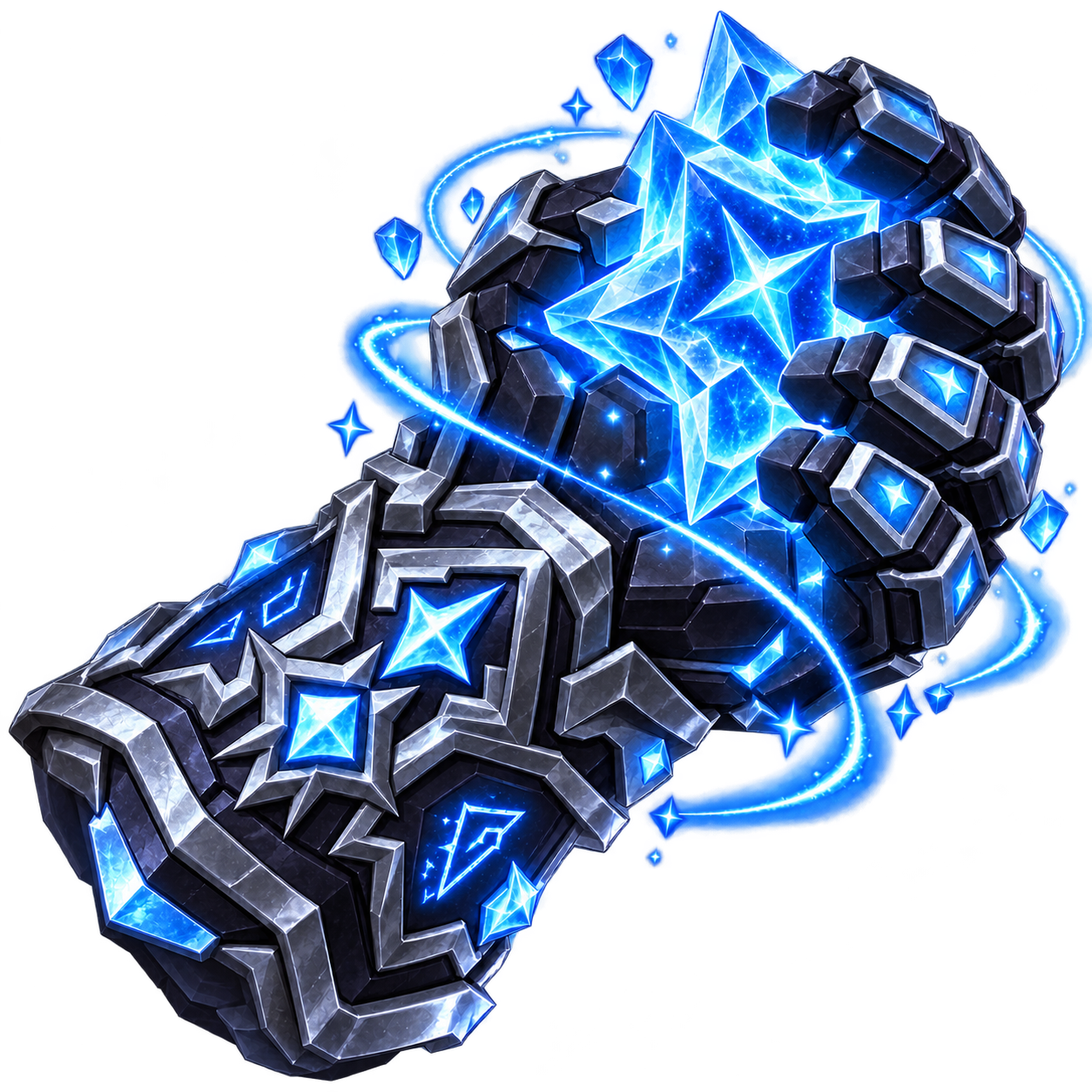
Titan Attributes
Compare Ancient, Silence, Stockpile, Trickery, and Vampiric powers.
Explore Attributes Helmet Powers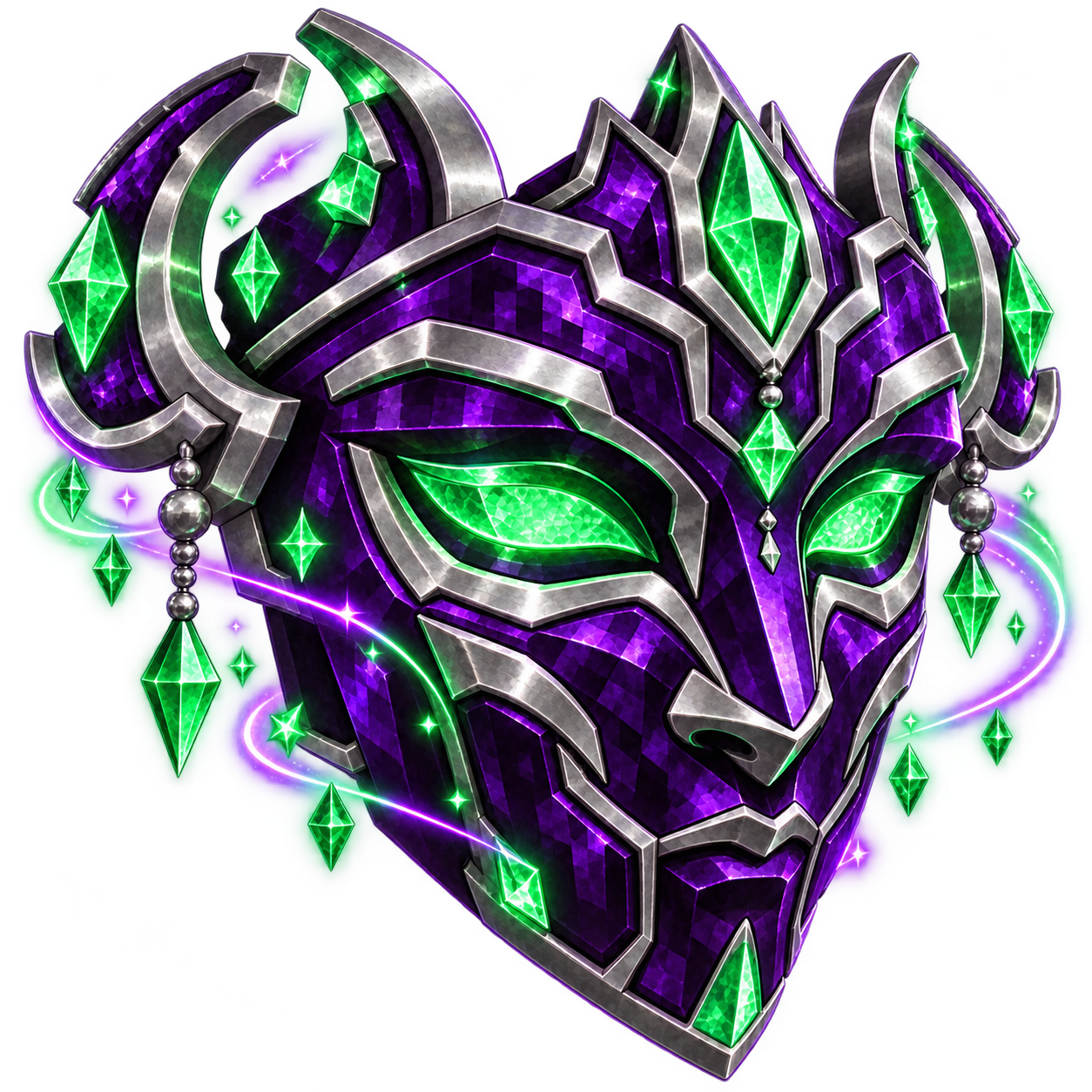
Masks
Discover masks and the powers they add to helmets.
Explore Masks Portable Abilities
Inventory Pets
Discover sixteen pets and the support items used to progress them.
Explore Pets Enchant Capacity
Enchantment Orbs
Add enchantment slots to compatible armor and weapons.
Explore Orbs Enchant Utilities
Scrolls
Learn what Randomization and Black Scrolls do to books and gear.
Explore Scrolls Book Improvement
Magic Dust
Improve enchantment book success rates and reveal Secret Dust.
Explore Dust Faction Utilities
Custom Blocks
Find the server’s special chest and generator block systems.
Explore Blocks Raid Explosives
Custom TNT
Compare nine explosives, including Tactical, Lucky, Mimic, and Hex TNT.
Explore TNT Base Building
Gen Blocks
Check generator materials, directions, costs, and territory rules.
Explore Generators World Encounters
Bosses
Meet major bosses, dungeon encounters, and summonable boss eggs.
Explore Bosses Ticket Rewards
Slot Bot Tickets
Explore ticket tiers, possible rewards, and credit prices.
Explore Tickets Starforge Equipment
Gadgets
Craft Star Items from fragments and attach their powers to gear.
Explore Gadgets